Passkeys Explained for People Who Hate Passwords
A passkey lets you sign in with your face, fingerprint or phone PIN instead of a password. Here is how it works and how to start.
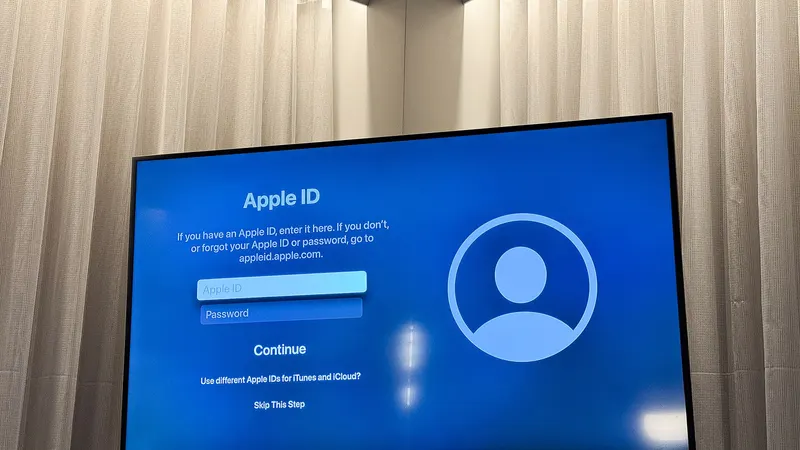
A password is a secret you have to remember and type. That makes it easy to forget, easy to reuse and easy to hand over to a fake login page. A passkey fixes all three problems.
How a Passkey Works
When you make a passkey, your device creates a matched pair of digital keys. One key stays locked on your phone or computer. The other goes to the website. When you sign in, the site sends a challenge, and your device answers it after you unlock it with your face, fingerprint or PIN.
You never type anything the site could leak. And because each passkey is tied to one real web address, a lookalike scam site gets nothing.
Why It Beats a Password
- Nothing to remember. Your device does the work.
- Nothing to reuse. Each site gets its own passkey.
- Hard to phish. A fake site cannot trigger your real passkey.
- Faster. Signing in takes a glance or a touch.
Where to Turn It On First
Begin with the accounts that would hurt most to lose. That usually means your main email, your Apple or Google account, your bank and any shopping site that stores your card.
Look in each account under Security, Sign-in or Login options. The button usually says Create a passkey or Add a passkey. Follow the prompts, then sign out and back in to be sure it works.
Where Your Passkeys Live
Apple devices keep passkeys in iCloud Keychain. Android phones keep them in Google Password Manager. Many password managers can hold them too, which helps if you use a mix of devices.
Pick one home for your passkeys and stick with it. That keeps them easy to find and easy to move to a new phone.
Passkeys and Two-Factor Authentication
A passkey already counts as two proofs in one tap, your device plus your face, finger or PIN. For accounts that do not offer passkeys yet, turn on a second sign-in step instead. Our plain guide to two-factor authentication shows which kind to pick and how to set it up.
Questions Readers Ask
Can someone steal my passkey the way they steal passwords?
Not in the usual ways. A passkey never leaves your device in a form a scam site can use, and it only works on the real site it was made for. That is why phishing pages cannot capture it.
What happens if I lose my phone?
If your passkeys sync through Apple, Google or a password manager, they come back when you sign in on a new device. Keep a backup code or second sign-in method on your most important accounts just in case.
Do I still need a password?
For now, most sites keep a password in the background. You can often turn it off later, but it does no harm to keep a strong one saved.